



Mobile time tracking app for finance-ready data

Track time, expenses, and time off from anywhere. ClickTime Mobile syncs in real time with your labor cost reporting.

Get a demo
Trusted by thousands of companies of all sizes

The Employee Time Tracking App Employees Love

ClickTime Mobile lets employees log time, track expenses, and submit timesheets from anywhere—while giving finance and operations leaders real-time visibility into labor costs. With every entry synced to the cloud, managers can review and approve time and expenses within seconds, keeping your data accurate and audit-ready.

Track time from anywhere

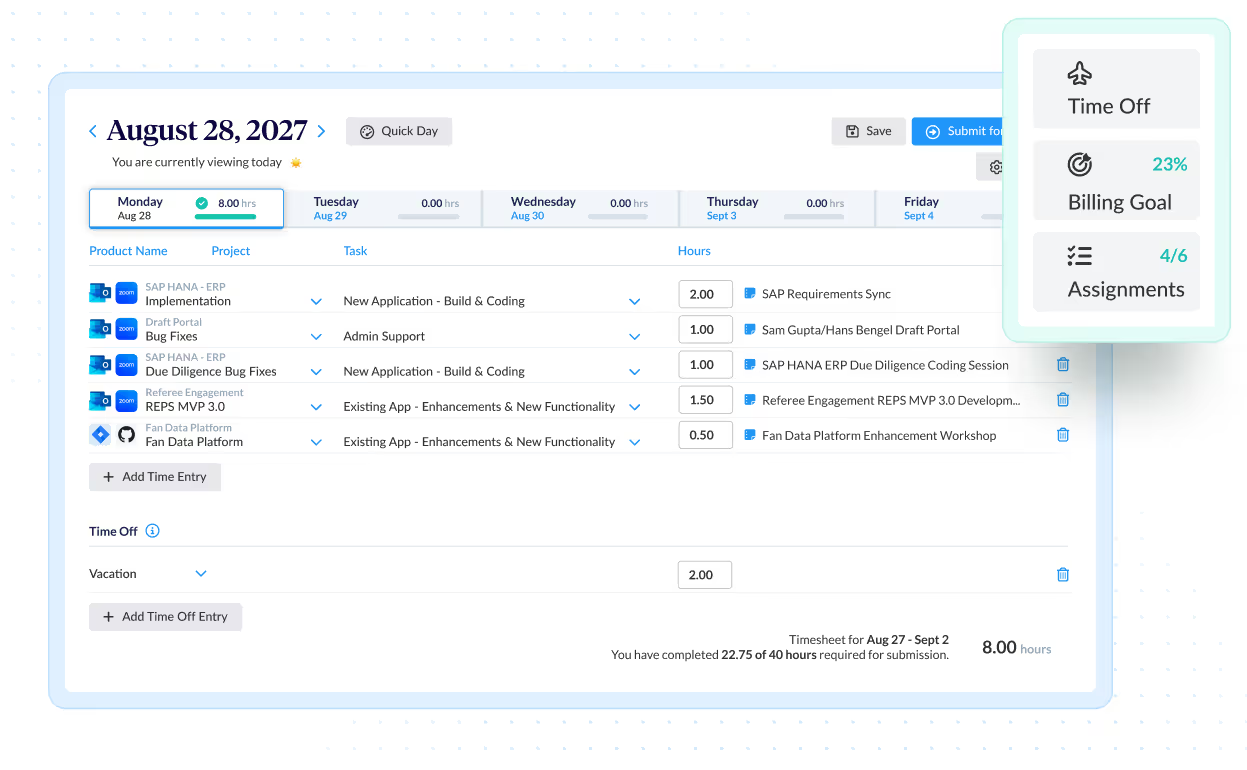
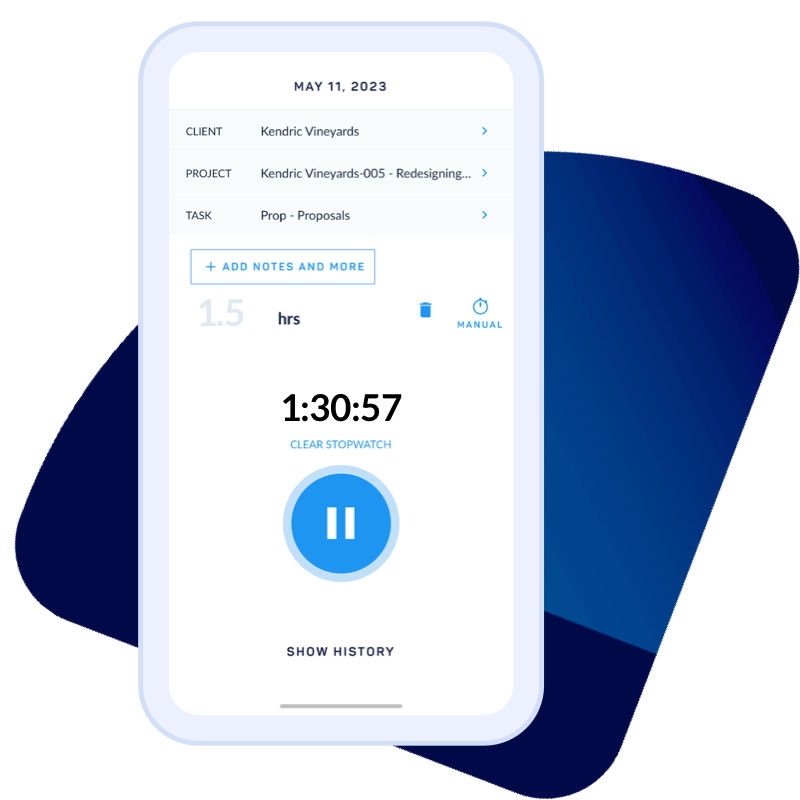
Employees log hours against clients, projects, and tasks directly from their phones—no need to wait until they're back at a desk.

Real-time sync

Every time entry and expense syncs instantly to ClickTime's cloud-based system, so managers always see the latest data.

Finance-ready records

Mobile entries feed directly into your labor cost reports, supporting accurate billing, budgeting, and compliance.

Manage employee time and requests from anywhere

Accurate time tracking is essential for reliable labor cost data. ClickTime Mobile helps employees stay on top of their hours—even when they're in the field, traveling, or working remotely.

  • Log time against projects and tasks in seconds
  • Submit timesheets for approval directly from your phone
  • Request and track time off without logging into your desktop

Because ClickTime Mobile syncs with our cloud-based timesheet system, managers see updates in real time. That means fewer follow-ups, faster approvals, and labor data you can trust.

For detailed guidance on using the mobile app, visit our ClickTime Mobile support center.

Submit expenses the moment they happen

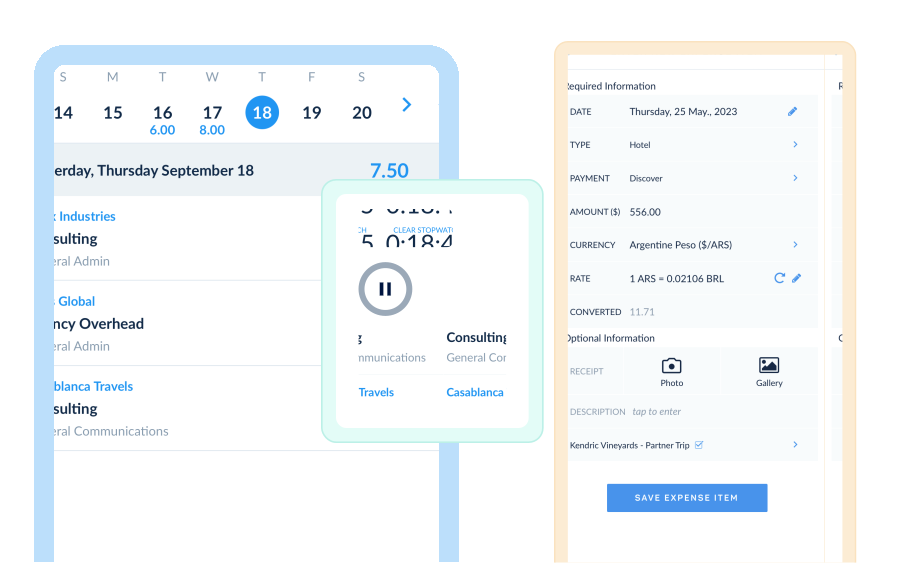
Delayed expense reporting leads to missing receipts and inaccurate project costs. ClickTime Mobile solves this by letting employees capture expenses as they occur.

  • Create expense sheets on the go
  • Snap photos of receipts directly from your smartphone camera
  • Sync expense data instantly for manager review

This real-time approach improves expense tracking accuracy and gives finance teams the data they need for timely reimbursements and project cost reporting.

Stay informed with notifications

ClickTime Mobile keeps your team on track with timely reminders and alerts. Employees receive prompts to submit timesheets before deadlines, while managers get notified when entries are ready for approval.

These notifications reduce the back-and-forth that slows down timesheet approval workflows—helping you close periods faster and maintain accurate labor cost records.

Integrations

Purpose-built for labor cost data, not pieced together

View all integrations

Every entry includes approval workflows, complete change history, and instant reporting. Whether it's R&D tax credits, client billing disputes, or grant compliance, you have defensible records without scrambling through spreadsheets or Jira logs.

Smart Match
Smart Match
Smart Match
Smart Match
Smart Match

Feature FAQs

What are mobile timesheets?

Mobile timesheets are time tracking apps, software, or websites that are built to record worked time on a phone, tablet, or similar device. Data is typically stored in the cloud and synced with any time, budget, expense, or other entries made by the same employee on other devices used to track time.

Are mobile timesheets different than online timesheets?

For the most part, no. The principle (and minor) difference is that mobile timesheets are typically an app, whereas online timesheets are often built to work directly in a browser (i.e., Google Chrome). The functionality of mobile timesheets and online timesheets should be more or less the same. Granted, apps built for mobile devices require slightly different functionality and design.

How do I submit expenses on mobile?

To submit expenses on a mobile device, simply upload an image of a receipt into the the expense track app. Be sure to take a clear photograph of the receipt that captures all the information required by your organization, HR, or accounting department.

Is there an app to keep track of hours worked?

ClickTime Mobile makes time tracking more convenient and efficient. It automatically syncs data to the web, so you’re not tied to your desk. Travel about, meet with clients, conduct market research — all without compromising your task and time management.

How do I create a timesheet on my phone?

To get started, download ClickTime’s iOS version of the app from the App Store, or the Android version from the Google Play store. Once you have downloaded the app, log in using your ClickTime credentials. Once you’ve logged in, simply enter time via the numeric keypad. It’s that easy!

How can I approve timesheet submissions on my phone?

ClickTime’s Timesheet Approvals allows employees to easily submit, review, and approve time. If your organization is utilizing the Timesheet Approvals Module, Administrators can approve time for any employee while Managers can be set up to approve the time of their employees. Employees can be set up with a Timesheet Approver if they will be submitting time for approval.

What is a mobile timesheet app?

A mobile timesheet app lets employees track their work hours, log time against projects, and submit timesheets directly from their smartphone or tablet. ClickTime Mobile syncs this data in real time to your organization's labor cost reporting system, so finance and operations teams always have accurate records.

How do mobile timesheets work with payroll and accounting software?

ClickTime Mobile syncs time entries to the cloud instantly. From there, you can export data or integrate directly with accounting and ERP systems. This gives payroll and finance teams the verified labor data they need without manual re-entry.

Can employees track expenses with ClickTime Mobile?

Yes. ClickTime Mobile lets employees create expense sheets and capture receipt photos directly from their phone. Expenses sync automatically to the web for manager review, supporting faster reimbursements and more accurate project cost tracking.

Is my time tracking data secure on the mobile app?

ClickTime uses enterprise-grade security to protect your data. All information synced through ClickTime Mobile is encrypted and stored securely in our cloud-based system, maintaining the audit-ready records finance teams require.

The Mobile App for Time Tracking

We’re obsessed with making it easy for employees to track their time. Whether you prefer using a mobile app, online timesheets, or tracking time through Google Calendar — we’ve got you covered!

Book a demo
Ask a question

Stop losing visibility into your largest expense

Book a demo
Ask a question